WordPress/Plugins

10 Ninja Forms Free Features You'll Want to Use
Discover the 10 best free features of Ninja Forms, a popular WordPress form builder. With Ninja Forms, you can create beautiful forms, collect leads, and grow your business. Learn more in this article.

WordPress: Assign Old Posts to New Category without Losing SEO Juice.
Learn how to move old content to a new category in WordPress without losing SEO juice. This article covers how to use the bulk edit feature, update your XML sitemap, submit the new URL to Google Search Console, and link to your new category.
Internal Linking Guide: Optimize Your Website for SEO
Learn how internal linking can help your website become better optimized for search engine optimization (SEO) and reach more customers. Find out the basics of internal links and get tips on creating an effective internal linking strategy with our guide.

What is a WordPress Cron and When Should You Enable or Disable it?
When setting up a new WordPress site, you may be asked if you want to enable Multisite (WPMU) or disable WordPress Cron. But what does this mean? In this blog post, we'll explain what a WordPress cron is and when you should enable or disable it.

Top Tips for WordPress in 2023: Optimize for Speed and Performance
Discover the latest tips, best practices and techniques to optimize your WordPress site for speed & performance in 2021. Learn how to get the most out of your WordPress CMS with SEO-Alien!
20 Most Activated WordPress Plugins in 2023
2023 is an exciting year for WordPress users. With the release of new plugins and updates to existing ones, there are plenty of options to choose from when it comes to enhancing your website. Here is a list of the top 10 most activated WordPress plugins for 2023:

Steps to Easily Add reCAPTCHA v3 to Your WordPress Form
In this post, we’ll explain how to get started with reCAPTCHA v3 and set up your WordPress site in minutes so that you have maximum protection against spammy activity.

How to Add Ninja Forms to WordPress (Shortcode Method)
Are you a website designer looking for an easy way to add Ninja Forms to WordPress? If so, you’ve come to the right place. In this blog post, we’ll explain how to use Ninja Forms shortcode and incorporate it into your WordPress site. By following our step-by-step...
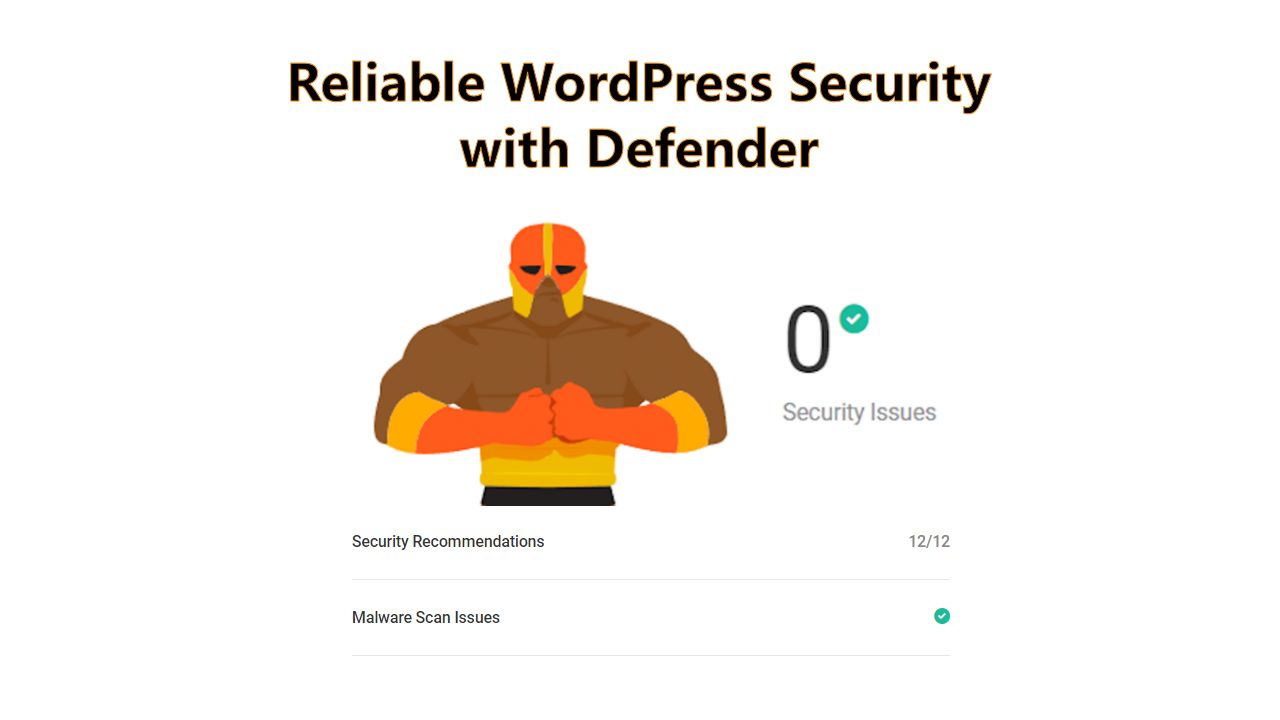
The Best WordPress Plugin Security: Install Defender Security
Defender is the best security plugin for WordPress websites. It's easy to install and adds the best in WordPress plugin security to your website with just a few clicks. Defender helps to protect your website from hackers and malware, and it also provides firewall protection and performance enhancements.

In 2022, The Best PHP Frameworks For Web Development
PHP is the most common language in making and designing websites. Learn about the best PHP frameworks for web development in 2022 and how they can help you create better websites faster.
How to Enable Theme File Editor in Defender Plugin
The Defender plugin is designed to help protect your website from unauthorized changes. Learn how to enable the Theme File Editor in Defender so you can make changes to your site's theme files safely and easily and then how to turn the Theme File Editor back off again.

Simple Way to Change Divi Theme Mobile Address Bar Color
This fun quick Divi Pro Tip will show you a simple way to change the color of the mobile address bar which shows on Android devices using the Chrome browser.
Online Marketing Tools