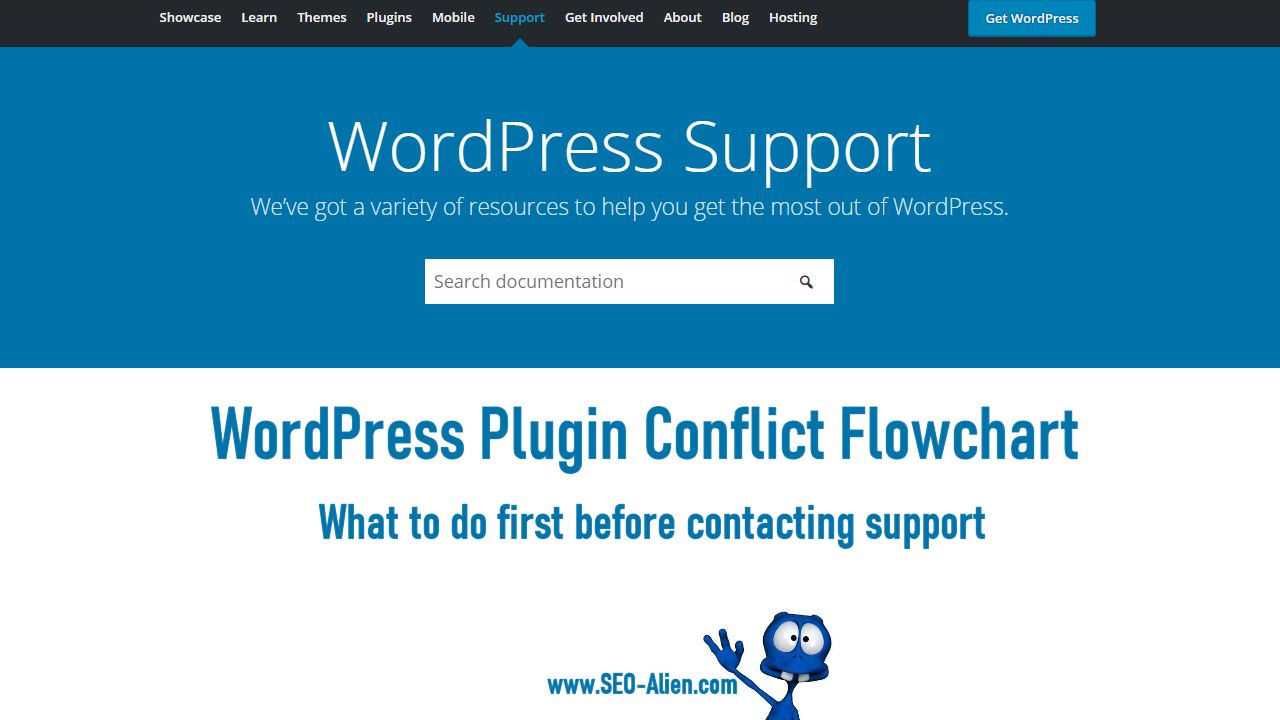
When something isn't working correctly with your WordPress website, the first things to do is look at whether it is a WordPress plugin conflict.
There are many times that we may install a plugin and everything seems to be working perfectly and then something goes terribly wrong.
It may be a plugin that was installed a long time ago and a recent update causes it to crash, and this makes it difficult to discover the problem.
Below are the steps you should take to better identify the conflict before you contact WordPress plugin support.
Hope this helps you discover your WordPress plugin conflict. At the very least, following these steps will make it look like you know what you are doing when you contact your plugin support... and they will thank you for it.
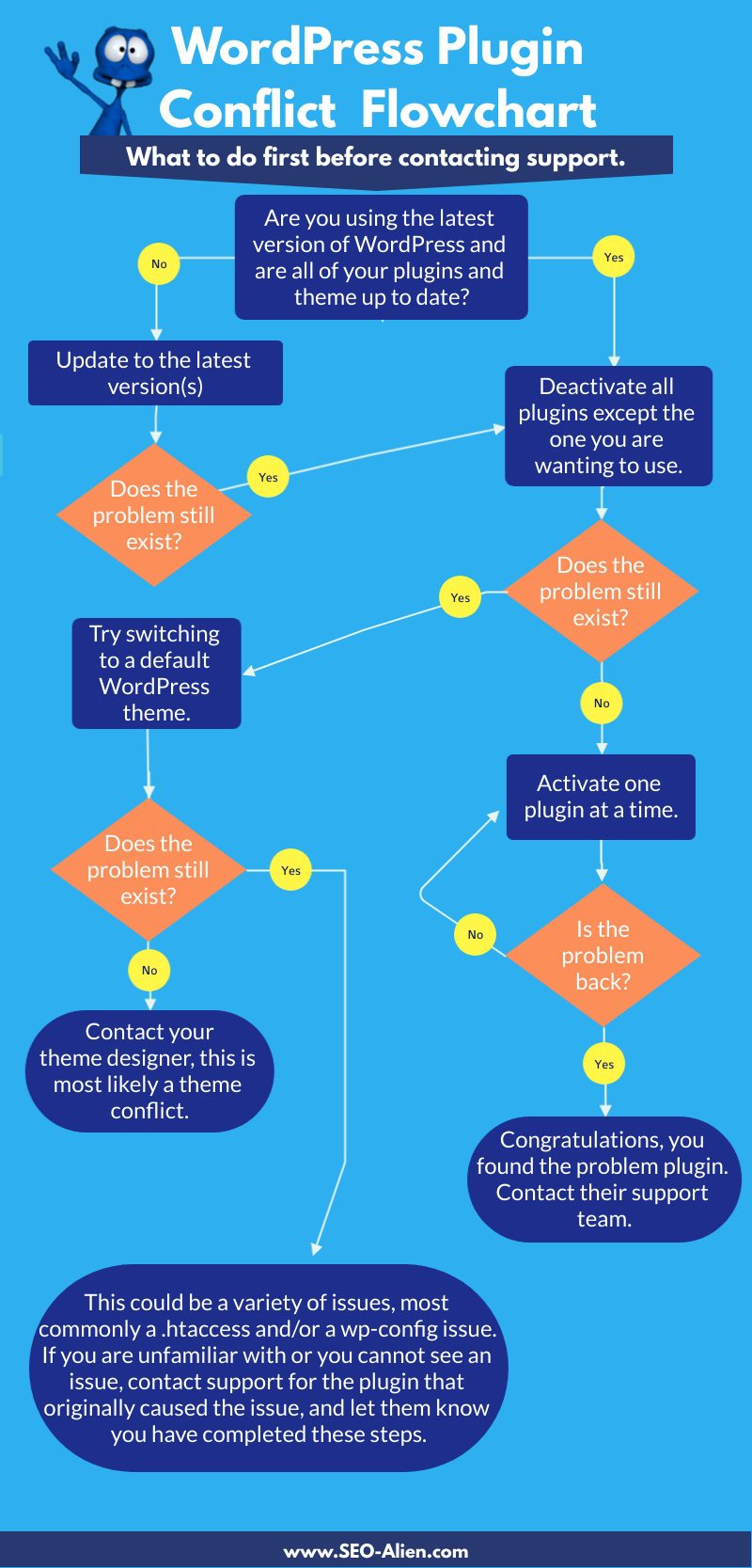
Made with Visme Infographic Maker



Online Marketing Tools and Partner Offers