
Opening your first options trade can feel intimidating when looking at complex broker interfaces. If you are learning how to buy options on thinkorswim, understanding trade mechanics—such as finding the option chain, navigating the bid-ask spread, calculating breakeven targets, and protecting your capital with stop percentages—is what separates consistent traders from gamblers.
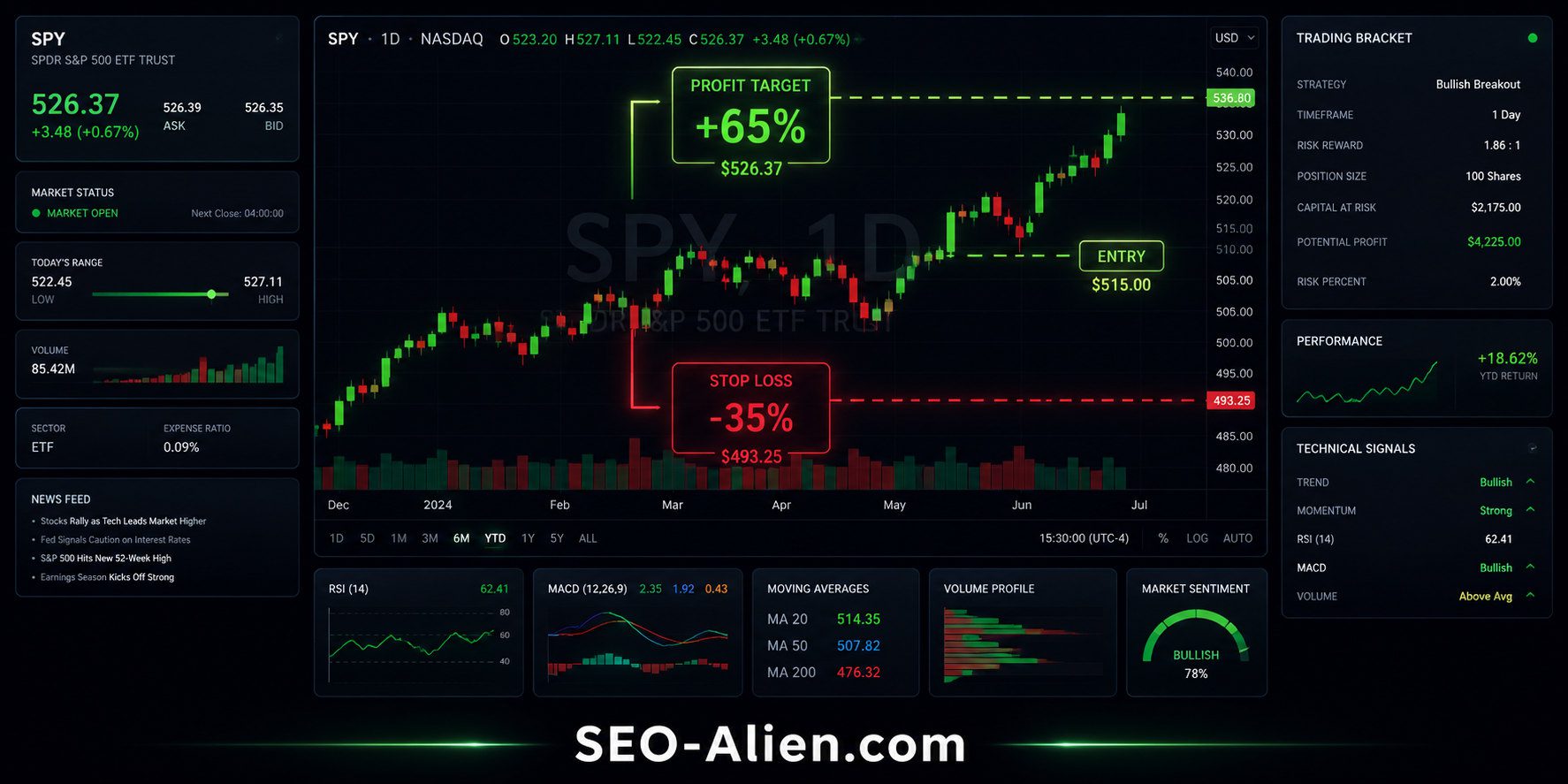
Whether you are day trading quick momentum moves or swing trading multi-day trends, this complete walkthrough breaks down every essential step on the thinkorswim (TOS) platform by Charles Schwab.
1. What Is the First Thing You Do to Create an Order on thinkorswim?
To buy an option on thinkorswim, your journey begins in the All Products option chain. Here is the exact order entry sequence:
- Navigate to the Trade Tab: Open desktop thinkorswim or the web platform and click on Trade > All Products.
- Input the Underlying Ticker: Enter your stock symbol (e.g.,
SPY,NVDA,AAPL) in the top symbol search box. - Expand the Option Chain: Select your desired expiration cycle (e.g., weekly contracts for day trading, or 30–60 DTE for swing trading).
- Click the ASK Price to Buy:
- To buy a Call (bullish), click the Ask price on the left side.
- To buy a Put (bearish), click the Ask price on the right side.
- Verify the Order Confirmation Bar: Clicking the Ask price generates a green BUY TO OPEN order row at the bottom of your screen where you set your limit price and quantity.
For automated setups before submitting orders, check out our companion thinkorswim OCO Bracket Trade Calculator to configure entry and stop parameters instantly.
---
2. Should Your Order Be at the Bid or the Ask?
A common beginner question is whether you should execute at the Bid price or the Ask price:
- The Bid: The highest price buyers are currently willing to pay. If you sell an option with a market order, you fill here.
- The Ask: The lowest price sellers are willing to accept. If you buy an option with a market order, you pay this price.
- The Mid-Price (The Sweet Spot): The mathematical middle between the Bid and the Ask:
Mid Price = (Bid + Ask) / 2
Pro Tip: Never send a raw "Market Order" on options. Always use a Limit Order set near the Mid-Price or 1–2 cents above it. This prevents slippage on wide spreads and ensures you don't overpay upfront premium.
You can learn more about standard exchange pricing models directly on the Investopedia Bid-Ask Spread Guide or explore underlying market momentum on our day trading strategies hub.
---
3. Calls vs. Puts: How to Decide Which Way to Go
Deciding whether to buy a Call or a Put comes down to market trend direction and thesis:
| Option Strategy | Market Direction | Profit Condition | Breakeven Formula |
|---|---|---|---|
| Long Call | Bullish (Expecting price rise) | Stock breaks above strike + premium | Strike Price + Premium Paid |
| Long Put | Bearish (Expecting price decline) | Stock breaks below strike - premium | Strike Price - Premium Paid |
To confirm institutional volume and catalyst direction before entering either side, screen your symbols using our free High-Demand Options Momentum Scanner or streamline trade research using the AI Stock Analysis Prompt Generator.
---
4. How to Calculate Option Purchase Cost and Breakeven
Every standard equity option contract controls 100 shares of underlying stock. When you see a quoted price on thinkorswim, multiply it by 100:
Total Buying Cost Formula:
Total Investment ($) = Premium Quote × 100 × Number of Contracts + Fees
Example Calculation:
- Stock: XYZ trading at $100
- Strike Selected: $100 Call
- Option Premium (Ask): $3.50
- Contracts: 2
- Total Upfront Cash Required: $3.50 × 100 × 2 = $700.00
- Call Breakeven at Expiration: $100 + $3.50 = $103.50
- Put Breakeven at Expiration: $100 - $3.50 = $96.50
---
5. Managing Risk: Calculating Stop-Loss & Take-Profit Percentages
Preserving capital is the number one priority for day and swing traders. Because options experience volatility decay and leverage swings, define your exit targets before submitting the order:
- Stop-Loss (Protection):
Entry Premium × (1 - Loss %)
Example: A 20% stop on a $3.50 option =$3.50 × 0.80 = $2.80limit exit. - Take-Profit (Target):
Entry Premium × (1 + Profit %)
Example: A 40% gain target on a $3.50 option =$3.50 × 1.40 = $4.90limit exit.
On thinkorswim, configure these directly on your order line by switching the order type dropdown to 1st Triggers OCO (One-Cancels-Other). This simultaneously places both your profit order and protective stop order the moment your entry fills.
---

About the Author:
The SEO-Alien is a project started in 2009 regarding all things online marketing. The site started out more of a diary of predictions, suggestions and references to things I frequently used for online marketing... before social media marketing was even an option.
I hope you find the information and tools presented here useful and something worth sharing with others.
If there is anything else about online marketing or any online advertising strategy you think would be helpful, please let me know.