
What Is Divi Dash and How Does It Simplify WordPress Management?
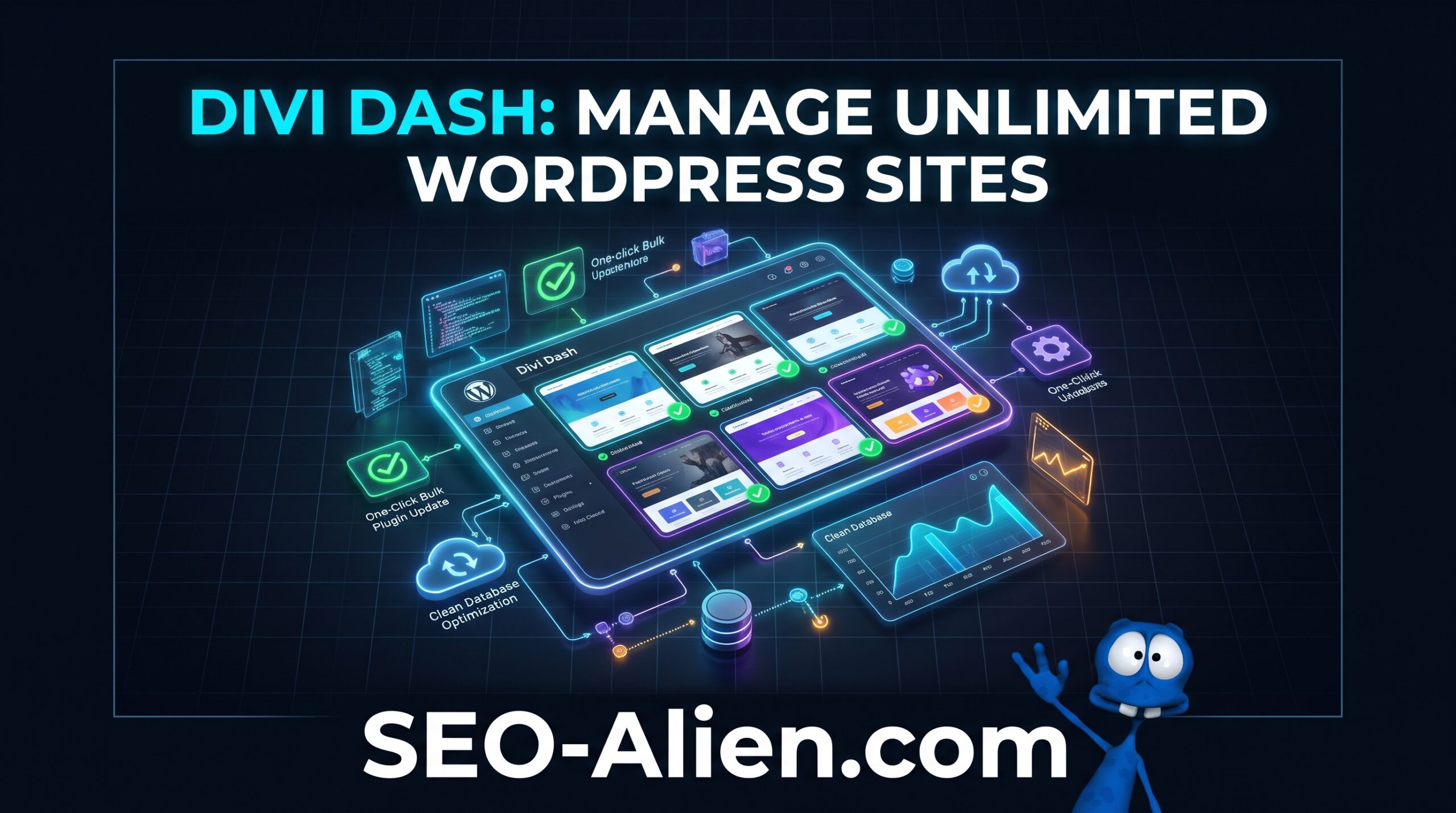
Divi Dash is an official, cloud-based wordpress site manager built directly into your Elegant Themes Members Area. It connects all your WordPress installations into a single control panel so you can run bulk updates, manage plugins and users, optimize databases, and log into any admin dashboard with one click—all without paying for a separate third-party management subscription.
Whether you maintain five personal blogs or fifty client websites, logging into each WordPress installation individually creates unnecessary friction. Divi Dash eliminates repetitive maintenance tasks while keeping your sites secure and up to date.
Core Features That Save Hours Every Week
Rather than bloating your workflow with complicated enterprise dashboards, Elegant Themes engineered Divi Dash around the daily tasks freelancers, agencies, and site owners actually perform.
1. One-Click & Scheduled Bulk Updates
Outdated themes and plugins remain the primary entry point for WordPress security vulnerabilities. Divi Dash gives you a bird's-eye view of every pending update across your entire portfolio, complete with color-coded status indicators.
- Update Everything at Once: Push core WordPress, theme, and plugin updates across dozens of sites with a single click.
- Custom Automation Schedules: Choose exact days, times, and time zones for automated updates on a per-site basis so updates run during low-traffic hours.
- Granular Control: Lock specific plugins from auto-updating if a site relies on custom code or specialized integrations.
2. Centralized Plugin, Theme, and Database Control
When you manage multiple wordpress sites, cleaning up unused software and bloated databases becomes tedious. From one screen, you can activate, deactivate, or permanently delete inactive plugins and themes across any connected website.
Divi Dash also includes built-in database optimization tools, allowing you to clear post revisions, spam comments, and transient options remotely without installing extra cleanup plugins on every domain.
3. Magic One-Click Admin Login & User Management
Hunting through password managers for client credentials slows down support tickets. Divi Dash lets you view all registered WordPress users on any site, add new administrators, adjust user roles, or sign directly into the WordPress dashboard with a single click.
4. Client Organization & Team Collaboration
If you run a web design or SEO agency, you can group websites under specific client profiles, store contact records, and attach private maintenance notes to each site. It also integrates directly with Divi Teams, letting you assign granular permissions to developers or virtual assistants without sharing your master Elegant Themes login.
How Divi Dash Connects to Your WordPress Sites
Connecting a website takes less than a minute. When you add a URL inside your Elegant Themes dashboard, the system installs the lightweight Divi Dash companion plugin onto your WordPress site to establish a secure bridge.
- Works on Any WordPress Site: Even though it is built by Elegant Themes, you can connect and manage non-Divi WordPress websites right alongside your Divi builds.
- Zero Front-End Impact: The companion plugin runs strictly in the background for remote maintenance and adds zero front-end bloat to your visitor load times.
- No Vendor Lock-In: If you ever deactivate or delete the companion plugin, your theme, layouts, and content remain completely untouched.
If you are planning to consolidate your portfolio onto the Divi ecosystem, review our complete guide on why you should build your blog with Divi theme to see how the builder and management tools work together.
Pairing Divi Dash With Reliable Hosting & Backups
While Divi Dash streamlines remote updates and site administration, smart maintenance always starts at the server level. Before running automated bulk updates across live production websites, you need reliable daily backups, staging environments, and fast server caching.
According to WordPress.org's official backup documentation, maintaining automated off-site backups is essential before modifying core files or plugins. Pairing Divi Dash with WP Engine managed WordPress hosting gives you one-click staging environments, automated daily restore points, and enterprise-level speed—ensuring that if a plugin update ever conflicts, you can roll back in seconds.
If you are moving client builds off sluggish shared servers, migrating onto WP Engine hosting ensures your Divi sites have the PHP workers and server-level caching required for fast visual editing and smooth remote updates.
Divi Dash Pricing: How Much Does It Cost?
Most standalone WordPress management platforms charge per site or cap your portfolio on lower tiers. Divi Dash is completely free for all active Elegant Themes members—whether you hold an annual subscription or a Lifetime Access license—with no cap on the number of websites you can add.
For agencies and site builders already using Divi, switching from a paid third-party manager immediately eliminates a recurring monthly expense while keeping your entire toolkit under one roof. Be sure to follow our on-page SEO checklist as you optimize and maintain each connected site in your portfolio.
Final Verdict: Should You Use Divi Dash?
If you already own an Elegant Themes membership and manage more than two WordPress websites, activating Divi Dash is an easy win. It centralizes updates, simplifies client handoffs, removes password bottlenecks, and costs nothing extra to scale across unlimited domains.
Combine Divi Dash for daily plugin and site management with WP Engine managed hosting for automated backups and server performance, and you have a complete, agency-grade WordPress workflow.
 About the Author:
The SEO-Alien is a project started in 2009 regarding all things online marketing. The site started out more of a diary of predictions, suggestions and references to things I frequently used for online marketing... before social media marketing was even an option.
I hope you find the information and tools presented here useful and something worth sharing with others.
If there is anything else about online marketing or any online advertising strategy you think would be helpful, please let me know.